How to Debug Twilio Call Failures in Production (2026 Guide)
A practical playbook for diagnosing Twilio call failures in production: error codes, silent failures, webhook debugging, and cross-provider correlation with ElevenLabs and Vapi.
TL;DR — The short answer
- 1
Twilio error codes fall into two fundamentally different categories — Twilio-side infrastructure errors (11200, 13225) and app-side configuration errors (32009, 31005) — and diagnosing each requires a different evidence source.
- 2
Silent call failures — status='completed' in Twilio billing while the caller experienced a broken interaction — account for a significant share of production voice AI failures and require cross-provider timestamp correlation to detect.
- 3
Twilio webhook failures are the single most common root cause of 11200 errors; the fastest debugging path is ngrok for local testing and structured webhook logging with call SID and payload in production.
- 4
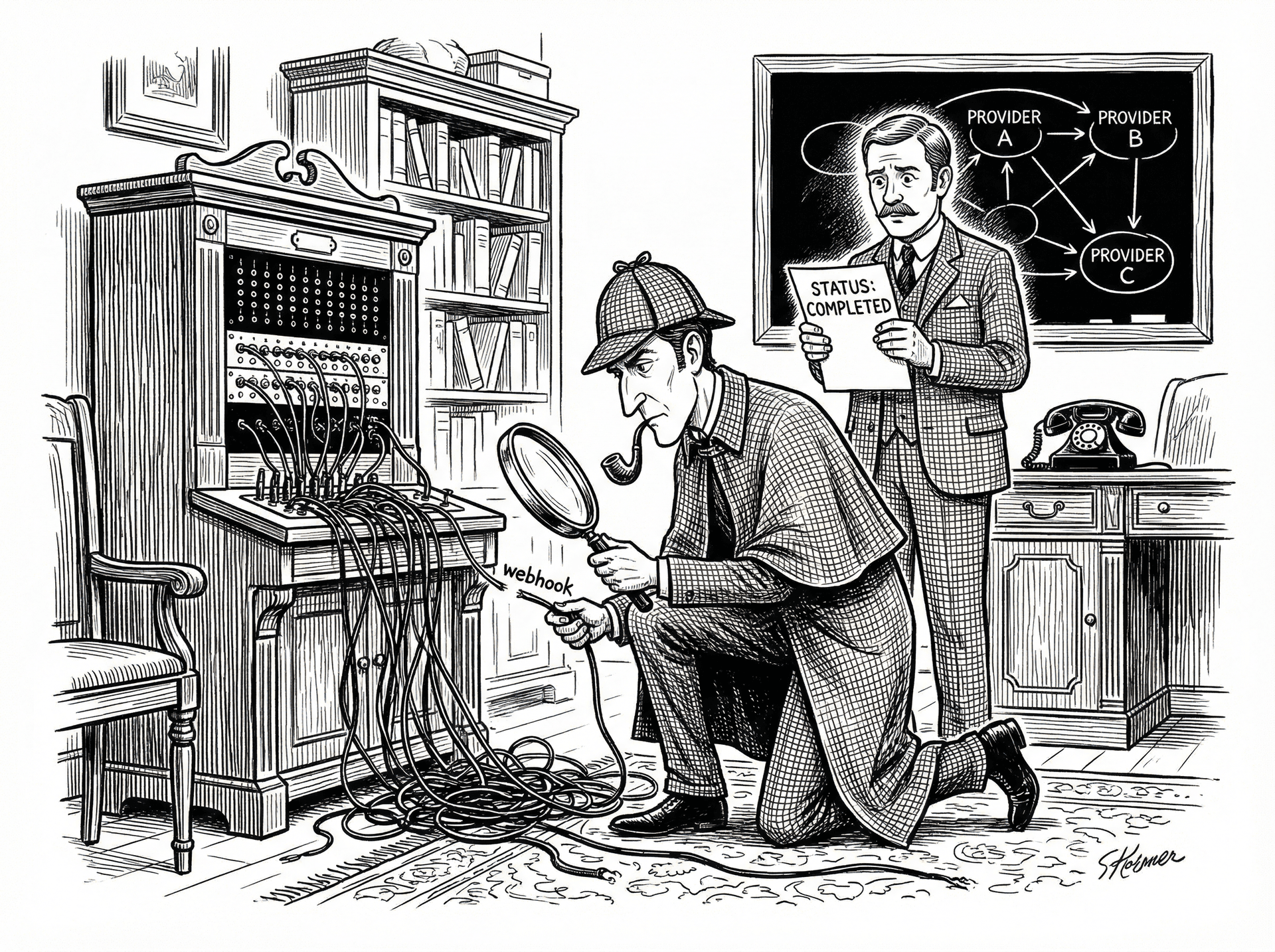
Cross-provider correlation — aligning Twilio call SIDs with ElevenLabs session IDs or Vapi call IDs — is the step most teams skip and the step that resolves the most important failure class: interactions that look successful to every provider but failed for the caller.
The Twilio error code taxonomy: what actually matters in production
Silent call failures: when Twilio logs 'completed' but the call broke
Webhook debugging: the fastest path to root cause
ngrok http 3000) to create a public tunnel to your local server. Copy the generated URL (e.g., https://abc123.ngrok.io) into the Voice URL field in your Twilio phone number configuration. Restart ngrok on each session and update the URL — or pay for ngrok's fixed-subdomain tier to avoid this.Cross-provider correlation: the missing step most teams skip
See how Sherlock compares
Frequently asked questions
What does Twilio error code 11200 mean?
Twilio error 11200 is an HTTP retrieval failure — Twilio attempted to fetch your application's TwiML from the URL you configured (your webhook endpoint) and received an error response or could not reach the URL at all. The most common causes are: your server returned a 4xx or 5xx HTTP status, your SSL certificate is invalid or expired, your webhook URL is unreachable from the public internet, or your server took longer than 15 seconds to respond (Twilio's request timeout). Check the Twilio Debugger in the console for the exact HTTP status code Twilio received — this tells you whether the failure was a network issue (timeout, DNS failure) or an application issue (your server returned an error). For local development, a tool like ngrok that tunnels Twilio's request to your local server will resolve the unreachability issue immediately.
Why does Twilio show a call as 'completed' when it failed?
Twilio's call status field reflects the telephony billing lifecycle, not the caller's experience. 'Completed' means Twilio successfully connected the call and the call ended normally from a telephony perspective — the billing clock ran and the session closed cleanly. It says nothing about whether your AI agent delivered a useful response, whether ElevenLabs synthesised any audio, or whether the caller got what they called for. A call can be status='completed' with a duration of 5 seconds and a caller who experienced total silence. The billing status and the call quality are independent axes. To detect real failures inside 'completed' calls, you need to correlate call duration, TTS generation timestamps, and transcript quality — none of which Twilio's status field captures.
How do I find silent failures in my Twilio call logs?
Silent failures — calls logged as 'completed' that the caller experienced as broken — require filtering for calls with anomalous duration patterns rather than explicit error statuses. In Twilio Console, filter call logs by status='completed' and then sort by call duration. Calls under 8–10 seconds that are not intentional short interactions (e.g., IVR opt-outs) are your primary silent failure candidates. Cross-reference these with your ElevenLabs or Vapi logs: if TTS generation latency on these calls was above 800ms, or if the TTS generation completed after the Twilio call ended, you have confirmed a silence-detection-induced drop. For systematic detection at scale, pull call records via the Twilio REST API, filter for status='completed' AND duration < 10, and correlate with your TTS provider's session timestamps within a ±5-second window.
Can I debug Twilio and ElevenLabs failures in the same tool?
Yes — Sherlock Calls is designed specifically for this. Connect your Twilio and ElevenLabs accounts (plus Vapi or Retell if applicable), and ask operational questions in plain English from Slack: 'what caused the call failures this afternoon?' or 'which calls had ElevenLabs latency above 800ms today?'. Sherlock correlates Twilio call SIDs with ElevenLabs session IDs automatically — handling the 200–500ms timestamp drift between providers — and delivers a sourced case file in the same thread where your team is already coordinating. The investigation that takes 2–3 hours manually takes under 60 seconds. See https://usesherlock.ai for the free tier.
Ready to investigate your own calls?
Connect Sherlock to your voice providers in under 2 minutes. Free to start — 100 credits, no credit card.