Vapi Webhook Debugging Guide: Why Webhooks Fail and How to Fix Them
A complete guide to debugging Vapi webhook failures — delivery timeouts, retry patterns, silent failures, and how to correlate webhook events with call outcomes.
TL;DR — The short answer
- 1
Vapi webhook failures fall into three distinct categories — delivery failures (Vapi cannot reach your endpoint), processing failures (your handler receives the event but fails silently), and correlation failures (your handler runs but cannot match the event to the right record) — and each requires a different debugging approach.
- 2
The fast-ack pattern — returning HTTP 200 immediately and processing asynchronously — is the most important architectural change for high-volume Vapi deployments and eliminates the majority of timeout-induced delivery failures.
- 3
Idempotency keys based on Vapi event IDs are required for correct webhook handling because Vapi's retry logic means any event can be delivered multiple times under normal operating conditions.
- 4
Correlating Vapi call events with Twilio CallSids uses the `call.phoneCallProviderId` field and is the correct key for cross-provider incident investigation.
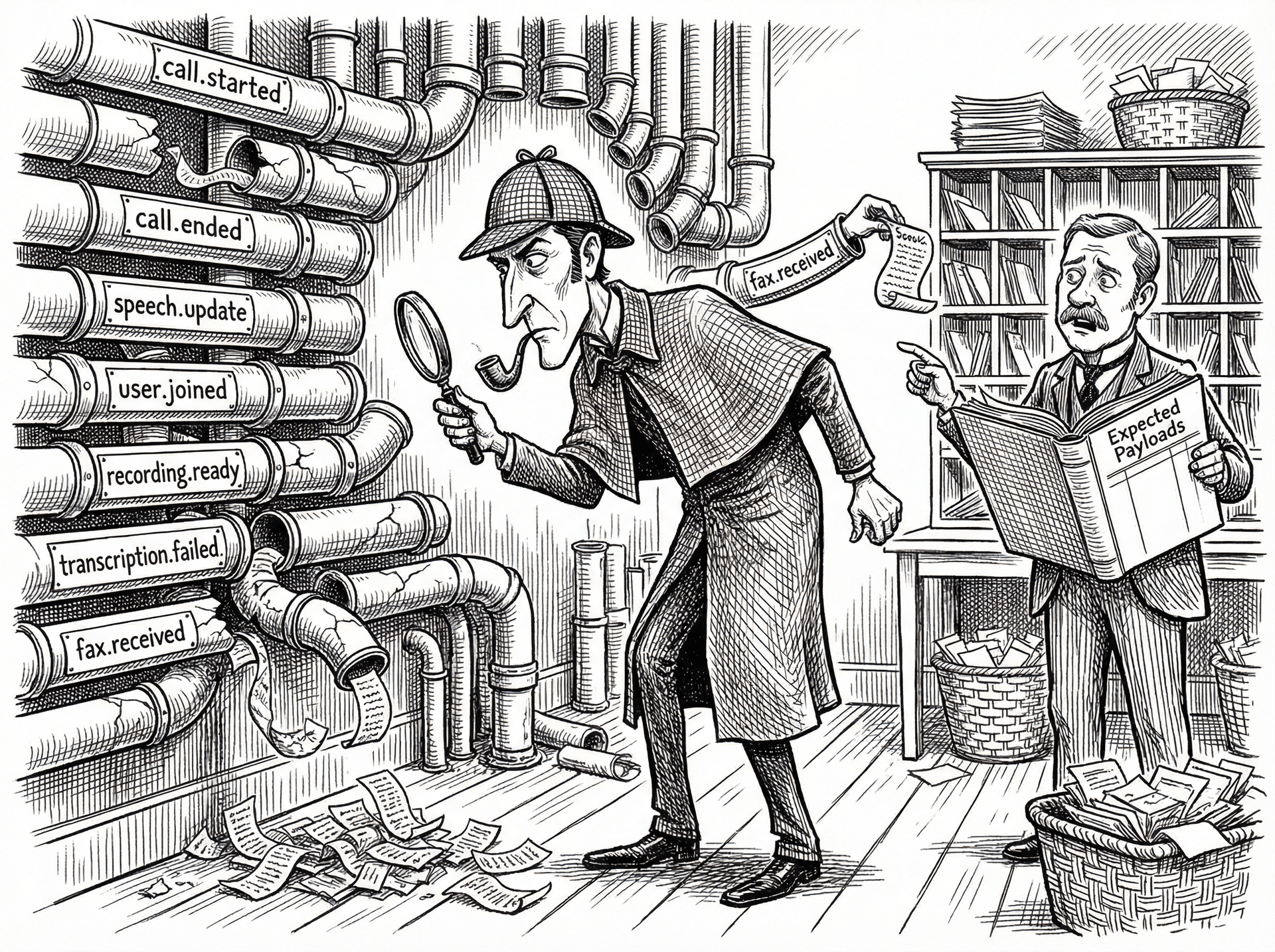
Vapi webhook architecture: understanding the delivery mechanism
phoneCallProviderId field with the Twilio CallSid. This is the earliest possible moment to record a call attempt in your CRM or analytics system.Content-Type header is application/json. Your endpoint must return a 2xx status within 20 seconds. Non-2xx responses and timeouts are both treated as delivery failures and trigger the retry schedule.The three failure modes: delivery, processing, and correlation
The fast-ack pattern: the most important architectural change
POST /webhook/vapi
1. Parse webhook body
2. Look up CRM contact by phone number (CRM API call: 300-800ms)
3. Update contact record (CRM API call: 200-500ms)
4. Write to database (DB write: 10-50ms)
5. Send Slack notification (HTTP call: 100-300ms)
6. Return 200 OK
Total: 600-1,650ms
``function-call event type, fast-ack is not applicable: Vapi waits synchronously for your response with the function result. For this event type, your handler must be fast by construction — use in-memory lookups or cached data where possible, and keep function implementations under 3 seconds to stay well within the timeout window with margin for network variance.Idempotency: handling Vapi's retry-induced duplicate deliveries
call.id level for call events. Use this as your idempotency key.typescript
async function handleVapiWebhook(payload: VapiWebhookPayload) {
const idempotencyKey = vapi:event:${payload.call.id}:${payload.type};
// Atomic check-and-set: returns null if key already exists
const acquired = await redis.set(idempotencyKey, '1', 'EX', 86400, 'NX');
if (!acquired) {
// Already processed — return 200 to prevent further retries
return { status: 200, body: { message: 'duplicate, ignored' } };
}
// Process the event
await processVapiEvent(payload);
return { status: 200, body: { message: 'processed' } };
}
``SET NX (set if not exists) is atomic and correct. The Node.js equivalent using ioredis is redis.set(key, value, 'EX', ttl, 'NX') — the four-argument form with the NX option.Correlating Vapi events with Twilio and ElevenLabs data
call.phoneCallProviderId on every call object when your Vapi account is configured to use Twilio as the underlying telephony provider. This field contains the Twilio CallSid (CA-prefixed, 34 characters). Store this field in your webhook handler when you receive call.started and use it as the lookup key when querying the Twilio REST API for the corresponding call record. This correlation is reliable — it is a direct foreign key relationship, not a timestamp estimation.call.started, record the timestamp. Query the ElevenLabs history API for sessions with created_at within ±1,000ms of the Vapi event timestamp, filtered by your ElevenLabs agent ID. In high-volume deployments where multiple calls start within the same second, use additional context — the voice model in use, the first few characters of the TTS input — to disambiguate.phoneCallProviderId field, queries both Twilio and ElevenLabs APIs in parallel, aligns the three event timelines, and returns a sourced cross-provider case file in Slack within 60 seconds.Testing Vapi webhooks in production without breaking live traffic
ngrok http 3000 to expose your local server.
2. Update the Server URL in your Vapi test assistant's configuration (not the production assistant).
3. Create test calls via the Vapi dashboard's phone call UI or via the Vapi REST API with your test assistant ID.
4. Observe webhook delivery in your local server logs.
5. Use Vapi's call log to verify delivery status and response code./call endpoint to retrieve historical call event payloads and replay them against your handler directly via curl or your test runner. This avoids the need to create real calls for every test scenario.How Sherlock detects Vapi webhook failures across your stack
phoneCallProviderId, and posts a case file in Slack with the failure window, affected call count, and the most likely root cause based on the pattern — delivery timeout vs. processing failure vs. CRM authentication error.See how Sherlock compares
Frequently asked questions
What is Vapi's webhook timeout window?
Vapi requires your webhook endpoint to return a 2xx HTTP response within 20 seconds of the delivery attempt. If your endpoint does not respond within 20 seconds, Vapi marks the delivery as failed and proceeds to its retry schedule. The retry schedule as of 2026 is: immediate retry after failure, then exponential backoff at 30 seconds, 2 minutes, 10 minutes, and 30 minutes — a maximum of 5 delivery attempts per event. After 5 failures, the event is dropped and logged as undeliverable in the Vapi dashboard under Call Logs. Note that Vapi's 20-second timeout is per delivery attempt — your endpoint must consistently respond under that ceiling, not just on average. A handler that averages 5 seconds but occasionally spikes to 25 seconds will produce sporadic delivery failures that are difficult to reproduce.
How do I test Vapi webhooks locally during development?
The standard approach is ngrok: run `ngrok http <your_local_port>` to create a public tunnel to your local development server, copy the generated HTTPS URL, and paste it into the Server URL field in your Vapi dashboard under Settings. The HTTPS URL is required — Vapi rejects HTTP webhook URLs. When using ngrok's free tier, the tunnel URL changes on every restart; update the Vapi dashboard each time. For a more stable local setup, use ngrok's paid fixed-subdomain feature or consider Cloudflare Tunnel, which supports fixed hostnames on the free tier. Verify your webhook is being received by adding a log statement at the very top of your handler, before any processing — this confirms delivery is reaching your server before you debug processing logic.
What should I do when a Vapi webhook fires but my CRM is not updated?
A webhook that fires but does not update the CRM is a Handoff 2 failure — the webhook was delivered successfully to your server, but your server's processing failed silently. Diagnose this by adding structured logging at each processing step: log the incoming webhook payload, log the parsed data, log the CRM API call and its response, and log success or failure at the end. Compare the Vapi delivery log timestamp with your application logs to confirm delivery reached your server. If delivery is confirmed but CRM is not updated, check your CRM API client for silent error swallowing — many HTTP client libraries catch exceptions by default and log them without re-raising. Verify also that your server's environment variables for CRM credentials are correctly set in the deployment environment, not just locally. A misconfigured environment variable is the most common cause of CRM writes that succeed in development and fail silently in production.
How do I implement idempotent Vapi webhook handling?
Vapi may deliver the same event multiple times due to network retries or Vapi's own retry logic. Your webhook handler must be idempotent — processing the same event twice should produce the same result as processing it once. The standard pattern is to use Vapi's event ID (present in the webhook payload) as an idempotency key: before processing any event, check whether you have already processed an event with that ID. If yes, return 200 immediately without processing. Store processed event IDs in Redis with a TTL of 24 hours (or your maximum retry window, whichever is longer). The check-then-process operation must be atomic — use a Redis SET NX (set if not exists) command to prevent race conditions when your webhook handler runs on multiple servers simultaneously.
How do I correlate Vapi call events with Twilio call SIDs?
Vapi exposes a `call.phoneCallProviderId` field on call objects that contains the underlying Twilio CallSid when Vapi is configured to use your Twilio account for telephony. This is the correct correlation key. In your webhook handler, extract this field from every call.ended or call.failed event and log it alongside the Vapi call ID. To look up a Vapi call in Twilio: use the Twilio REST API with the extracted CallSid. The inverse lookup (finding the Vapi call from a Twilio CallSid) requires querying the Vapi REST API with the `call.phoneCallProviderId` filter. Be aware of the 200–500ms timestamp drift between Vapi and Twilio event timestamps described above — when correlating by time rather than ID, use a ±1,000ms window.
Ready to investigate your own calls?
Connect Sherlock to your voice providers in under 2 minutes. Free to start — 100 credits, no credit card.